Connect the reality of your shop floor to Odoo.
Reality Connector turns the cameras you already own into a live data source for Odoo. It recognises every operation as it happens, starts and finishes work orders on its own, and records real cycle times, with no manual entry.
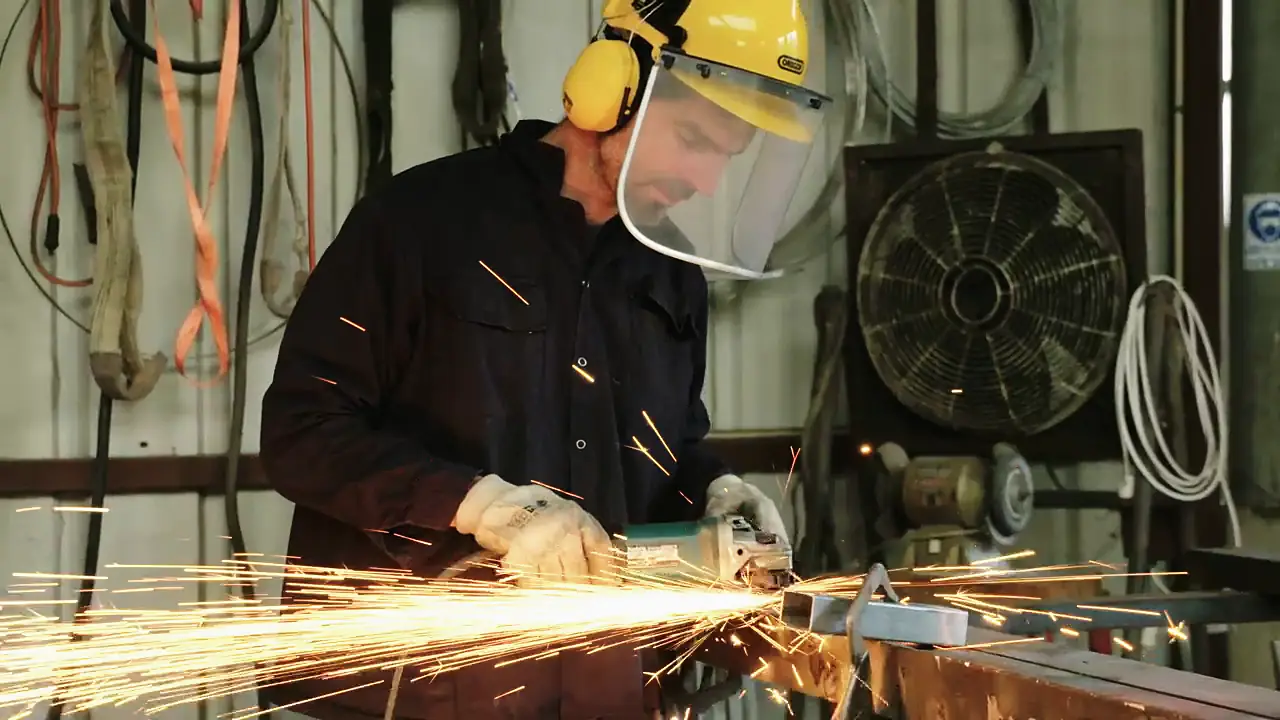
Odoo knows the plan.
Only the floor knows the truth.
Most factories already run Odoo and already have cameras. But between them sits a clipboard, a tired supervisor and an end-of-shift data entry session.
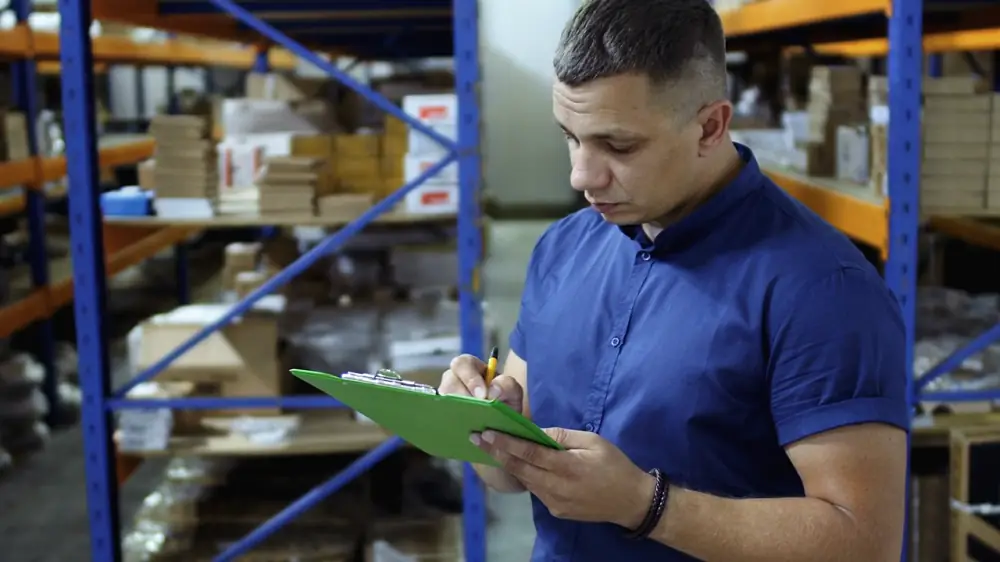 ODOO · LAST FLOOR UPDATE 3 h 42 min AGO
Status hours late
Work orders are updated after the work is done, so Odoo always shows yesterday's floor.
Durations from memory
Cycle times are guessed or typed in bulk, so costing and routings drift away from reality.
Idle time stays hidden
Waiting, changeovers and micro-stops never reach a report, so lost capacity looks like a busy floor.
Managers walk to find out
"Where is this order?" is answered on foot, by phone or by WhatsApp, not by the system.
Same camera.
A completely different signal.
Your CCTV already sees the work. Reality Connector understands it and tells Odoo. Drag the handle to switch it on.
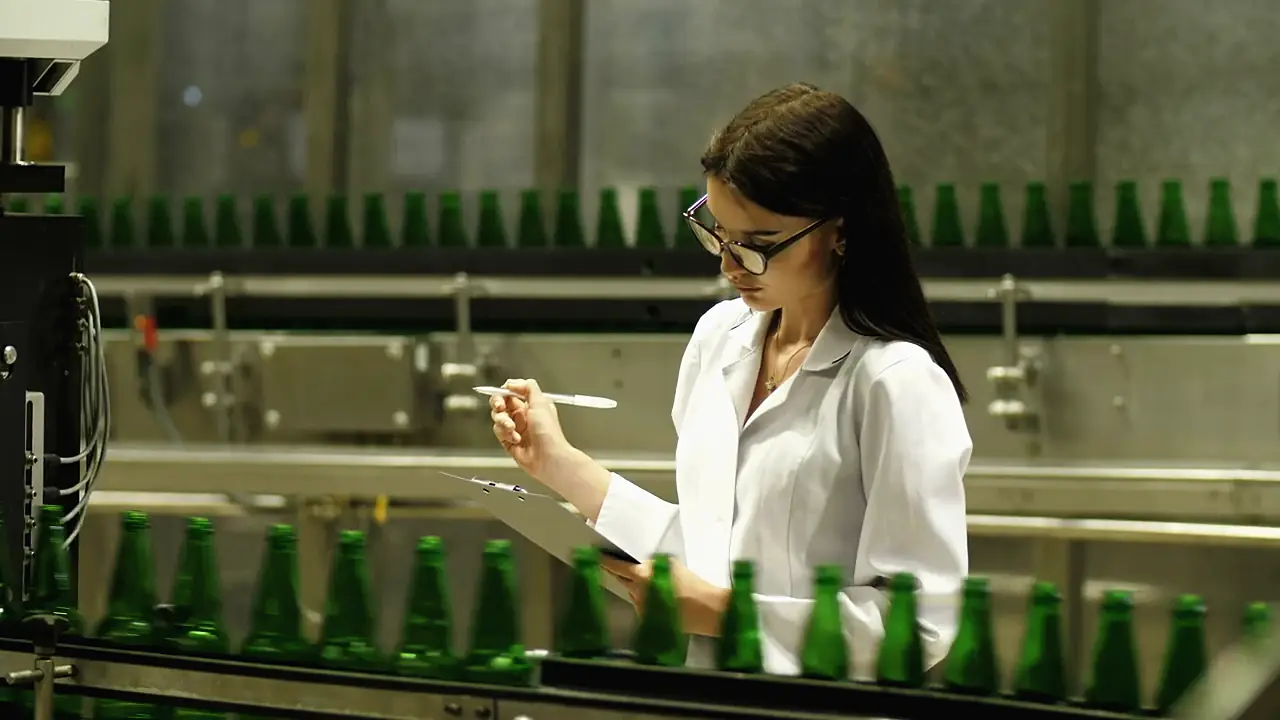 REALITY CONNECTOR · SAMPLE
From camera frame to
Odoo work order in four steps.
See
Existing IP and CCTV cameras stream each workstation. No new hardware on the line.
Recognise
Vision AI identifies the operator, the material, the tool and the action inside each work zone.
Decide
Readable rules turn detections into events: start, pause, finish and idle, tuned per station.
Update Odoo
Work orders, durations and manufacturing orders update through the Odoo API, in seconds.
Start in Shadow mode. Go Live when you trust it.
In Shadow mode every detection is logged beside Odoo but nothing is written. Your team compares, tunes the rules and signs off. Then one switch moves the station to Live.
Built for every floor where the work can be seen.
If an operation is visible to a camera, Reality Connector can learn it. Pick an industry to see what it recognises and what changes in Odoo.
One connector.
Twelve ways to see your floor.
Start with automatic work orders, then switch on the use cases that matter for your plant.
Native to Odoo Manufacturing.
Watch it write itself.
Reality Connector works with the records your team already uses: work orders, time tracking and manufacturing orders. No parallel system to learn.
MO/00118 · Steel frame
40 units · Fabrication line 1 · Source: Reality Connector| Operation | Work centre | Status | Real duration | Updated by |
|---|
Stations · sample
Event stream
Work orders
Started, paused and finished automatically when the operation is detected at the station.
Real durations
Measured start-to-finish times land in time tracking, so costing and routings reflect the floor.
Manufacturing orders
When the last operation finishes, the MO can be closed and finished goods move into stock.
Produced quantity
Units counted at a station can be written to the work order instead of typed.
Quality checks OPTIONAL
Visual inspection steps confirmed against the matching quality point.
Maintenance requests OPTIONAL
A station idle beyond its threshold can open a request for the maintenance team.
Video stays on site.
Only events travel.
Detection runs next to your cameras. Odoo receives clean business events, not video. Deploy on an edge box, on your own server, or in a private cloud.
Your cameras
Existing IP / CCTV cameras over RTSP. Added only where a station can't be seen.
Vision engine
Detects people, tools, materials and actions in each defined work zone.
Rules engine
Turns detections into start, pause, finish and idle events per station.
Odoo
Online, Odoo.sh or on-premise, updated through the Odoo API.
People
Planners, supervisors and managers see the live floor in Odoo.
Edge appliance
A compact AI box on the shop floor beside the camera network. Fastest to pilot.
On-premise server
Runs on your own GPU server for multi-line plants with central IT control.
Private cloud
For multi-site groups that want one managed deployment across plants.
Start with one line.
Scale with confidence.
Walk the floor
Pick the stations, check camera angles and map each operation to its Odoo work centre.
Define zones & rules
Draw work zones, teach the operations and set start, finish and idle rules per station.
Run beside Odoo
Compare detections with what really happened. Tune until your supervisors sign off.
Switch on & scale
Move the line to Live, then add stations, lines and plants on the same platform.
How much time goes into
typing the floor into Odoo?
Move the sliders to match your plant. The estimate uses only your numbers.
Starting values are illustrative defaults: adjust them to your plant. Covers manual work-order updates only. It does not include value from idle-time, bottleneck or quality insights.
Engineered for the floor.
Built for Odoo.
Uses your cameras
No sensors, PLC retrofits or tablets at every station. Start with the cameras on your ceiling.
Native to Odoo
Updates the work orders and MOs your planners already use, not a separate dashboard to maintain.
Rules you can read
Every event comes from a rule your team can see and change. No black box deciding your data.
Shadow mode first
Prove accuracy beside Odoo before anything is written. Go Live station by station.
Designed to stay on site
Video can be processed inside your network. Odoo receives events, not footage.
Built by Odoo people
Designed, deployed and supported by Srikesh Infotech, who implement Odoo for manufacturers.
Questions we hear first.
Do we need new cameras?
Usually not. Reality Connector works with standard IP cameras that provide an RTSP stream. During discovery we check angle, lighting and coverage for each station and recommend an extra camera only where a station can't be seen clearly.
Which Odoo setups does it work with?
It updates Odoo Manufacturing work orders and manufacturing orders through the Odoo API, whether you run Odoo Online, Odoo.sh or on-premise. We confirm your exact version, modules and customisations during discovery.
What happens if the AI gets an operation wrong?
Every station starts in Shadow mode, where detections are logged but never written to Odoo. Confidence thresholds and rules are tuned until your supervisors sign off, and records in Odoo can still be corrected by your team at any time.
Does it identify individual workers?
The use cases on this page are about operations, what is happening at a station, and don't require identifying people. Privacy settings, retention and what is recorded are agreed with you for each site.
How do we start?
With a pilot on one line or work centre. We walk the floor, configure the stations, run in Shadow mode beside Odoo, and switch to Live once the results match. The timeline depends on the number of stations and is agreed at discovery.
Does it need the internet?
Detection runs locally next to your cameras. Reality Connector needs a network path to your Odoo instance to write updates, whether that's in the cloud or on your own servers.
See your own floor,
connected to Odoo.
Tell us about your plant. We'll show Reality Connector on footage from an industry like yours and map a pilot for your first line.
- A 30-minute live walkthrough with an Odoo manufacturing specialist
- Which of your stations are a good fit for camera detection
- A pilot plan for one line, starting in Shadow mode