What if your server could tell you something's wrong before your customers do?
Anomaly Log Detection is an AI-powered log analysis system built specifically for ERP servers. Most teams find out about issues the hard way — a complaint, a crash, a 2AM ticket. This watches your logs so you don't have to.
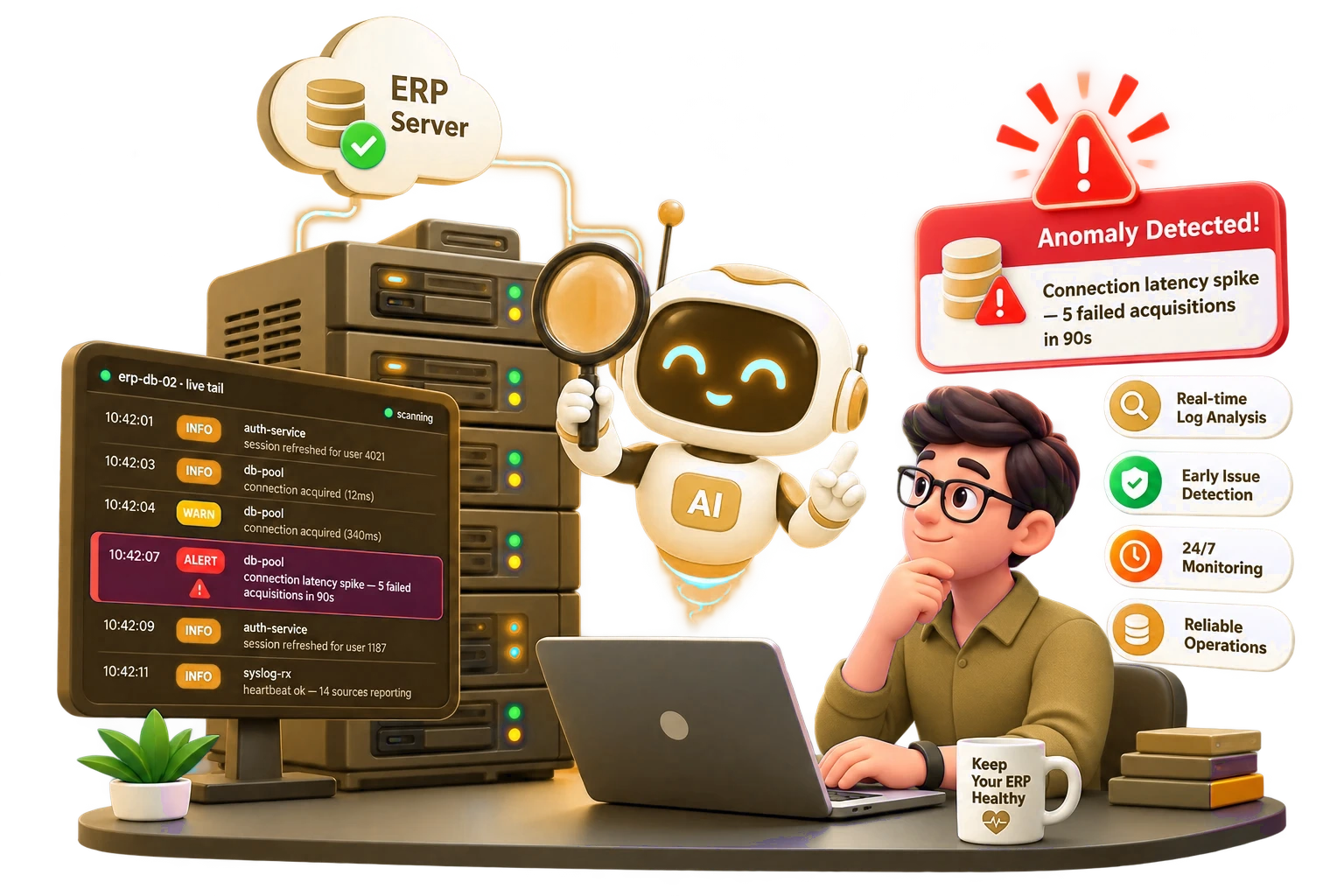
What if your server could tell you something's wrong before your customers do?
Anomaly Log Detection is an AI-powered log analysis system built specifically for ERP servers. Most teams find out about issues the hard way — a complaint, a crash, a 2AM ticket. This watches your logs so you don't have to.
Reactive firefighting isn't a strategy
Right now, most teams learn about server trouble only after it's already cost them something.
Detects anomalies without a single manual threshold
Two unsupervised models — Isolation Forest and Local Outlier Factor — learn what normal looks like for your server, then flag what isn't. An AI layer explains every finding in plain language, so nobody has to dig through raw logs to understand what happened.
Operational issues 11 types
The everyday failures that slow ERP systems down or take them offline.
Security threats 11 types
The patterns that indicate someone is trying to get in — or already has.
Most anomalies are judged against what’s normal for your server. But a handful of patterns — SQL injection attempts, privilege escalation, known exploit signatures — are always treated as critical the moment they appear, no learning period required and no baseline to game.
● Isolation Forest + Local Outlier Factor — no thresholds to tune ● AI chat assistant — ask questions, get recommended actions ● Offline fallback — rule-based detection when there's no LLM access
Reads every log your stack produces
No format wrangling, no custom parsers to write. Point it at your logs and it takes it from there.
Meet your AI Security Copilot
Stop hunting through raw logs for answers. Ask it directly: “Why did db-pool spike at 10:42?” or “Show me every failed login from this host in the last 24 hours.” You get an investigated answer, not a search result — with context pulled from your actual incident history.
Strictly yours
Every conversation is scoped to your tenant alone. No other customer’s data is ever visible, referenced or reachable from your Copilot session.

Everything a SOC or ops team actually needs
Not another dashboard to babysit. It runs on its own and stays out of the way until something needs your attention.
Secure web dashboard
One place to see what’s normal and what’s flagged: an overall health score for every server, trend charts over time, heatmaps showing when anomalies cluster and filters to drill down to a single host in seconds.
Automatic hourly scanning
Runs on its own schedule. Nobody has to remember to kick off a scan.
Real-time alerts
Reaches you by Email, Microsoft Teams or Slack, with smart cooldowns so one issue doesn't flood your channel.
Learns from feedback
Mark a false alarm once and it stops repeating that pattern — immediately, not after the next scheduled scan. Your analysts are training the system in real time as they work.
Auto cleanup and rotation
Handles log rotation and cleanup on its own, across multiple log formats.
Odoo database change tracking
Beyond log files, it watches your Odoo database directly — flagging unusual create, write or delete (DML) activity that could mean data tampering, a runaway automation or a compromised account acting inside the ERP itself.
Simple desktop launcher
No command line required. Open it and it's running.
Plain-language explanations
Every finding comes with a written explanation of what happened and why it matters — categorized by type and scored for risk, so your team knows what to look at first.
Works without internet
Rule-based fallback mode keeps detecting issues even with no LLM access.
Your data never leaves your servers
The AI model runs on your own infrastructure — not a third-party API. Your logs and everything the AI writes about them, stay inside your environment.
Continuous log forwarding
Install the lightweight Agent (Windows or Linux) on any host and it streams logs in automatically — no manual steps once it’s running. Prefer scripting your own pipeline? The CLI handles that too.
A manual upload option also exists and it’s a great way to try the system on a sample of your logs before you commit — but production monitoring should always run through the Agent or CLI, not manual uploads.
Built for teams, not just one admin
This isn't log monitoring. It's an AI analyst that never sleeps — watching your infrastructure around the clock.
If you manage servers and you're tired of reactive firefighting, let's talk.
Let's put this on your servers
Reach out however's easiest — we'll walk you through how it fits your setup.